
Download OrbisID™
Free forever with Community Edition, or try full Pro functionality free through 2026. Choose your path below.
Self-hosted. Your data never leaves your environment.
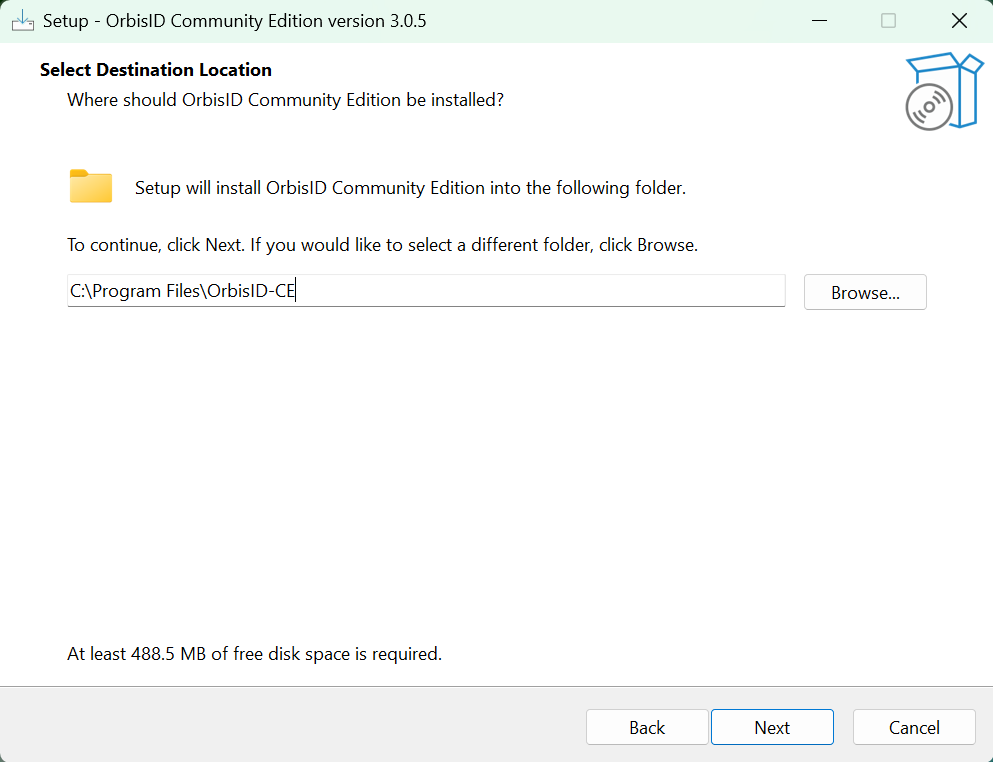
Windows or Docker — your choice
Use the native Windows Installer, or install Docker and Docker Compose on any Linux host, if you'd rather use containers.
Minimal Footprint
A minimum of 4 GB RAM and 2 CPU cores is all you need to get started. 8 GB RAM is recommended for production environments.
No Inbound Ports
OrbisID connects outbound to your target systems — no inbound firewall changes are required on scanned hosts.
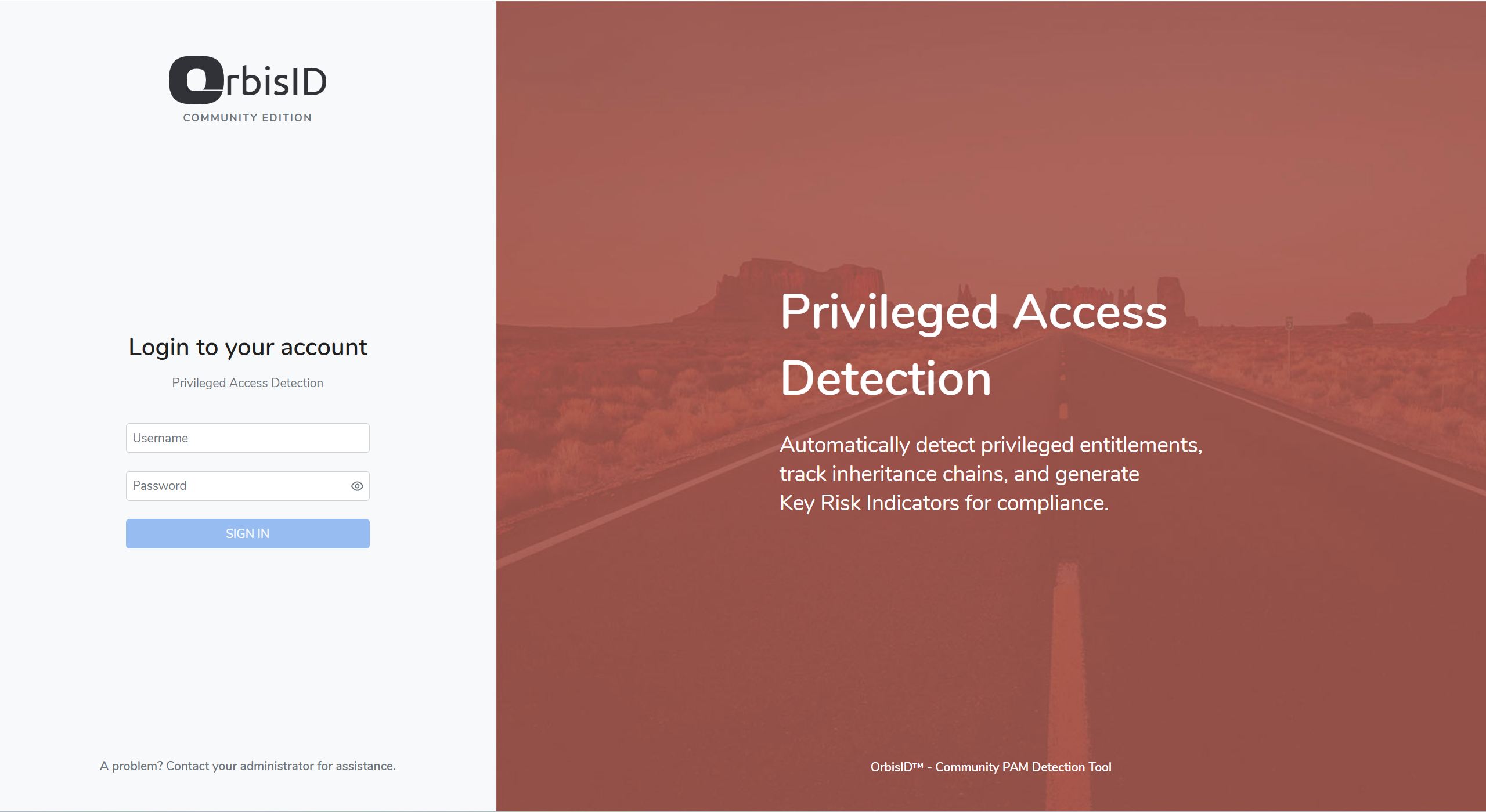
Getting Started
Community Edition
Free, self-hosted, single user — up to 10 target systems across Active Directory, Windows and Linux. Choose a native Windows install or a Docker Compose stack below.
Windows Installer →
No Docker required — installs as a native Windows service.
Docker Instructions →
Docker Compose, four steps, on any Linux host.
User Guide →
Full Community Edition setup and usage guide.
After Installation
Discover privileged access from day one
Add Your First System
Connect an Active Directory domain controller, Windows server, or Linux server using a stored credential.
Run a Scan
Trigger an on-demand scan from the dashboard. OrbisID discovers accounts, entitlements, and group memberships automatically.
Classify Accounts
Built-in policy rules classify discovered accounts as Human or Non-Human and Privileged or Non-Privileged — immediately.
Review KRI Dashboards
Key Risk Indicators are active from your first scan — including Privileged Without Owner and Shared/Non-Human Privileged Accounts.
Explore the Access Graph
Visualize how identities, accounts, and entitlements connect — and trace inherited privilege paths across your estate.
Export Compliance Reports
Generate governance reports ready for your PAM Lead or internal audit team, viewable in-app.
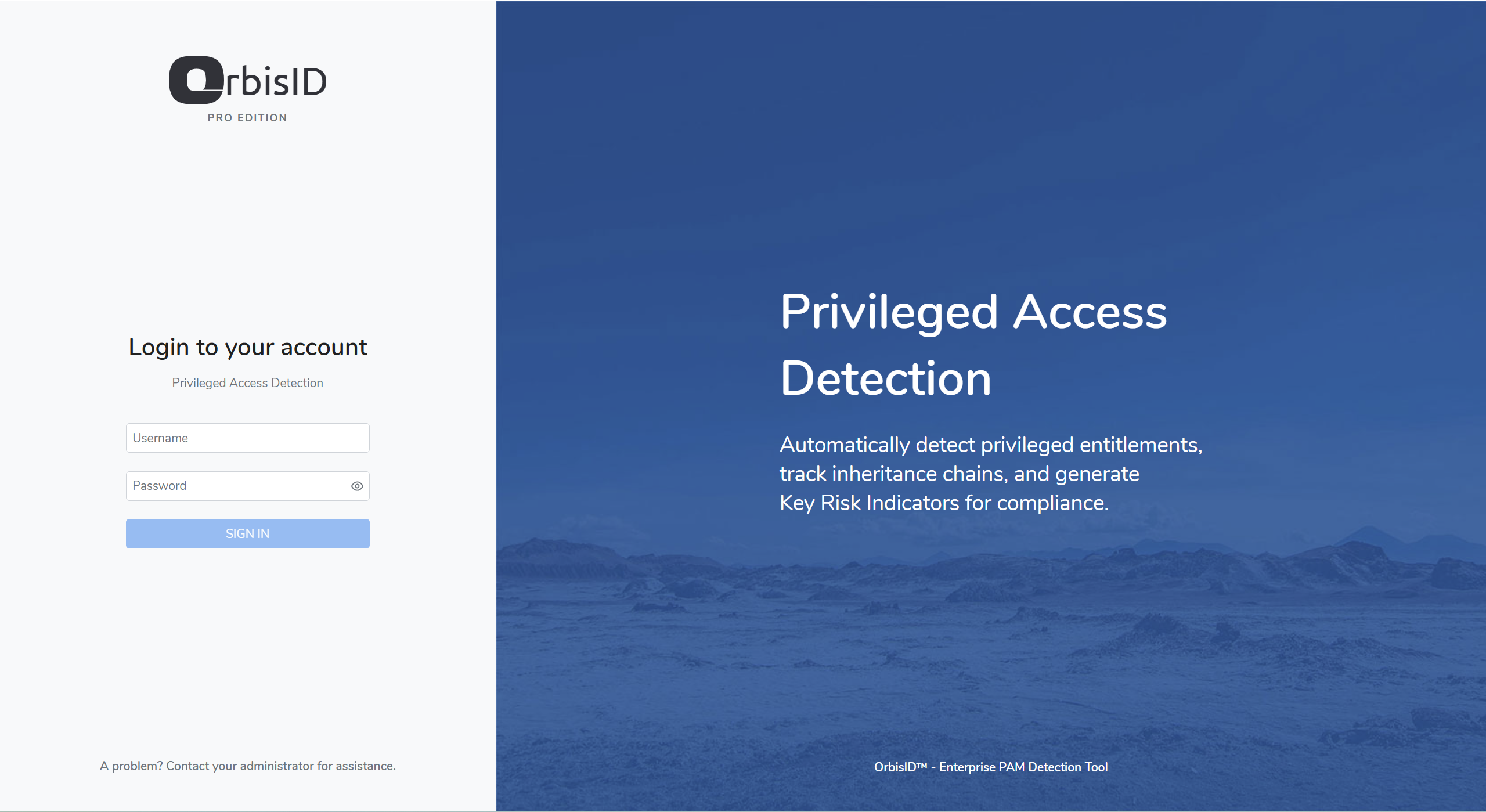
Getting Started
Pro Demo
Full Pro functionality, free until 31 December 2026 with a trial licence key — up to 25 target systems, 45+ connectors, and the complete 25+ KRI suite.
Windows Installer →
No Docker required — installs as a native Windows service.
Docker Instructions →
Docker Hub or an offline release package, with your own or a bundled database.
User Guide →
Full product documentation — installation, configuration, and every connector.